Published on Mon Jun 29 2026 07:20:00 GMT-0700 (Pacific Daylight Time) by Jenni Zeller
The Display Grid Sysytem App I built
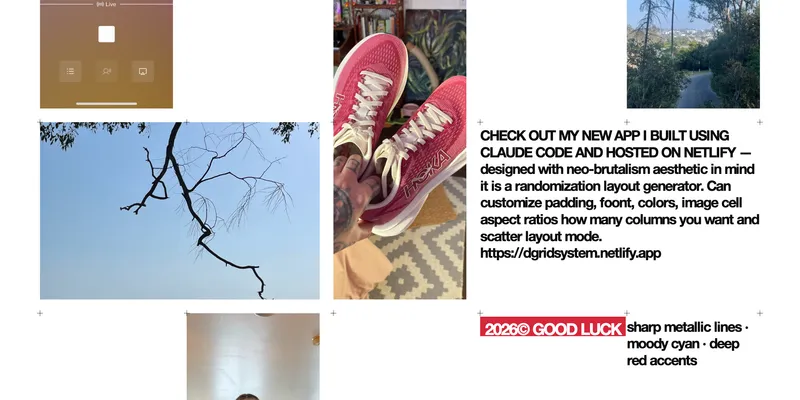
Here is the link now to try if you can’t wait until you reach the bottom of the article.
I am a graphic designer by trade, I spent almost all of my life practicing this art form and understanding grids for design is important and can be tough! my favorite graphic design art is actually breaking the grid for something more avant-guard but sometimes we gotta stick to the Bauhause classics.
So what is a D-grid?
In web design, d-grid is a CSS utility class used in the popular Bootstrap framework. It instantly applies the modern CSS Grid layout by setting the element’s display property to display: grid. This allows you to create highly organized, two-dimensional, and responsive page layouts.
In this app I gave 4 different options for canvas dimesnsions, since often times I am designing 16:9 slides and the next moment I am designing a vertical layout for email.
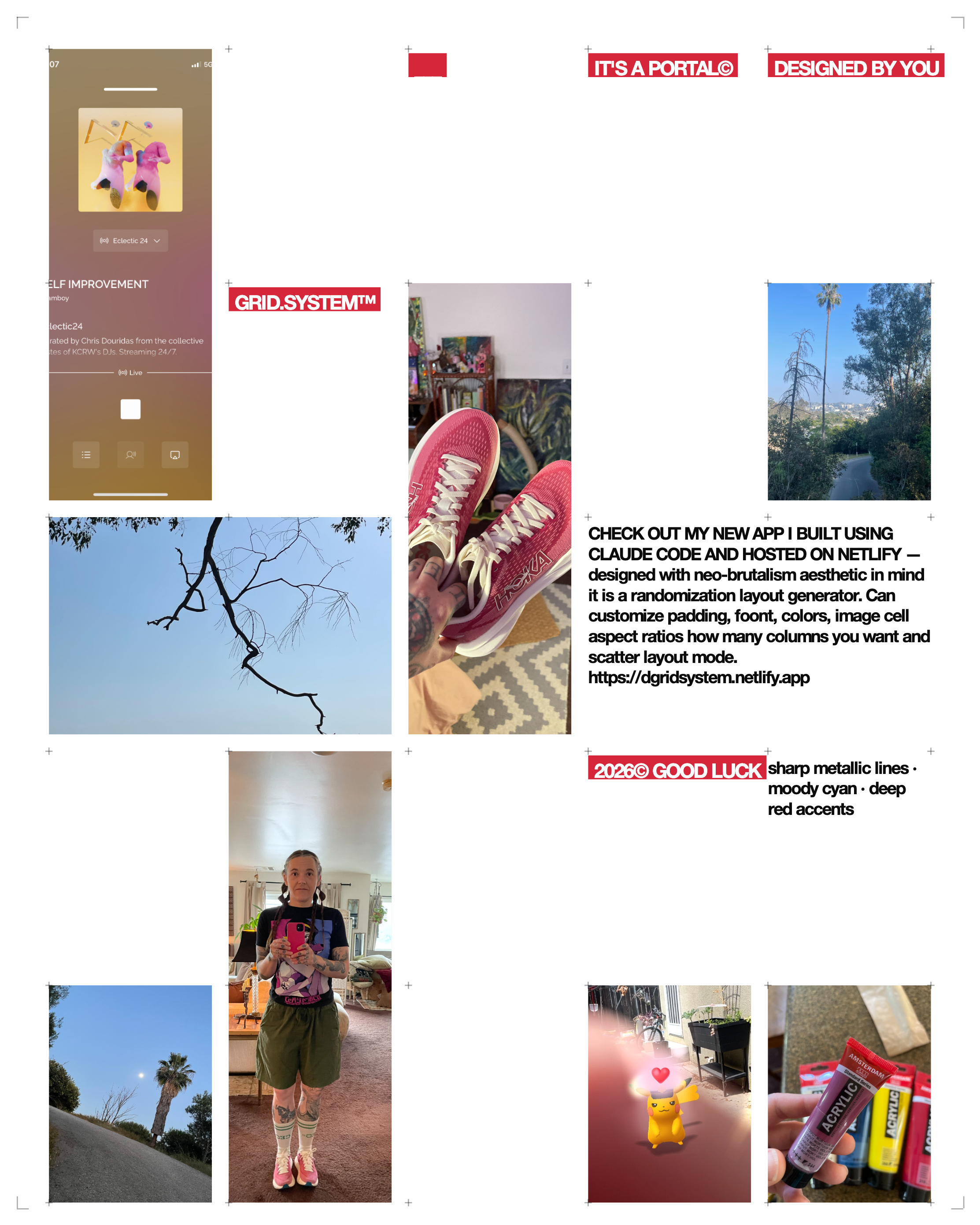
My favorite part is the randomization. For myself, for inspiration - I set up my number of columns and font sizes I like and click the ‘regenerate’ as many times as I need to until something inspires me and i Download the .png and immediately drag it into Photoshop or Indesign and it helps me come up with new unique spreadsheets for layouts.
It has been extremely helpful to me to make new variations without repeating too much.
What I included
designed with a brutalism aesthetic in mind.
It can:
- adjust image cell and page aspect ratios
- customize the number of columns from 1-8
- customize padding
- edit copy
- change fonts
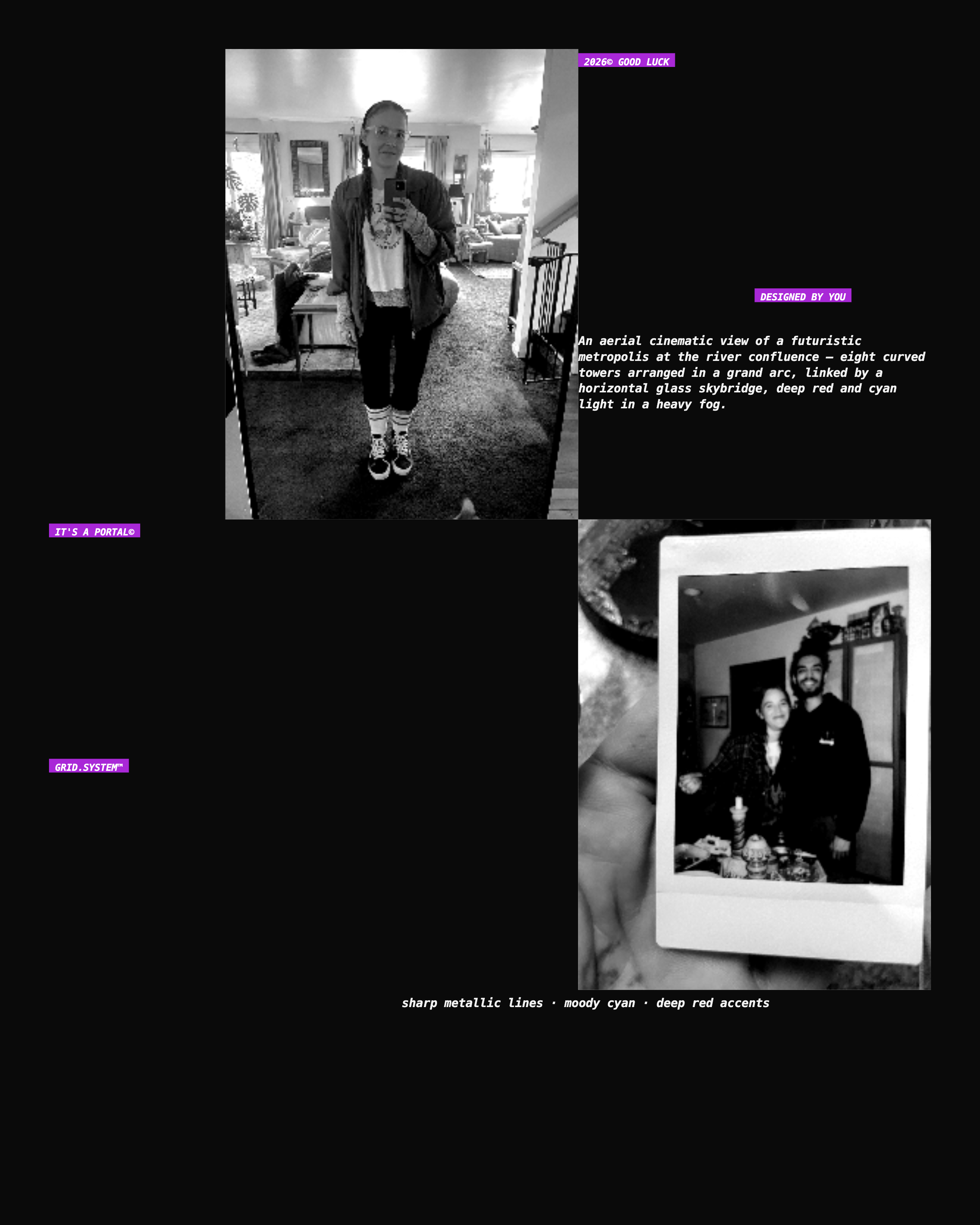
- change accent colors, canvas colors, even photo colors with filters
- 3 options to choose from the algorithm engine; scatter, grid, or hero layout modes
- adjust the number ‘density’ of images on the page
- can toggle back and forth between showing grid markers
- user can upload 20 of their own images
- download a .png when done!
Here is a video of me using some of the adjustable tools:
What I learned
This was by far the most simple, fastest, practical, and coolest thing I have made with AI.
While, I did do a few iterations of the app, the app creation itself only took me about 30 minutes. Shockingly fast. And I could have stopped there. I decided to go farther to make sure the copy would not overlap other copy and that text could be directly editable on screen. Also, I needed a few iterations to get the download .png image to be correct.
Now, imagine any individual brand could use this method to create a custom grid and font system for each brand.
But also, I made this for people to feel inspired by graphic design and using the grid even if they have never done so before. (like my boyfriend!) to make thier own layouts for zines, prints, or thier own websites.
Here is the link to play, and I really encourage everyone to make a layout!
Written by Jenni Zeller
← Back to blog