Published on Mon Jun 29 2026 07:08:00 GMT-0700 (Pacific Daylight Time) by Jenni Zeller
Version 3 Video
This is Version 3. I know, I am going backwards but I will try to properly explain all the different downloads I needed to get for the animation to look like this and NOT look like strange vector files.
Even after uploading scripts and scenes and plenty of references of my own drawings to use. Turns out, you can’t just plop down with a Claude pro account and a cracked GitHub open source agent and expect it to work right away. -I did.
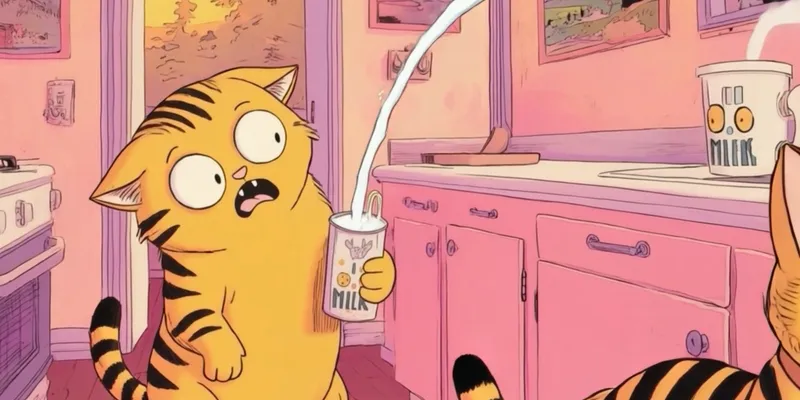
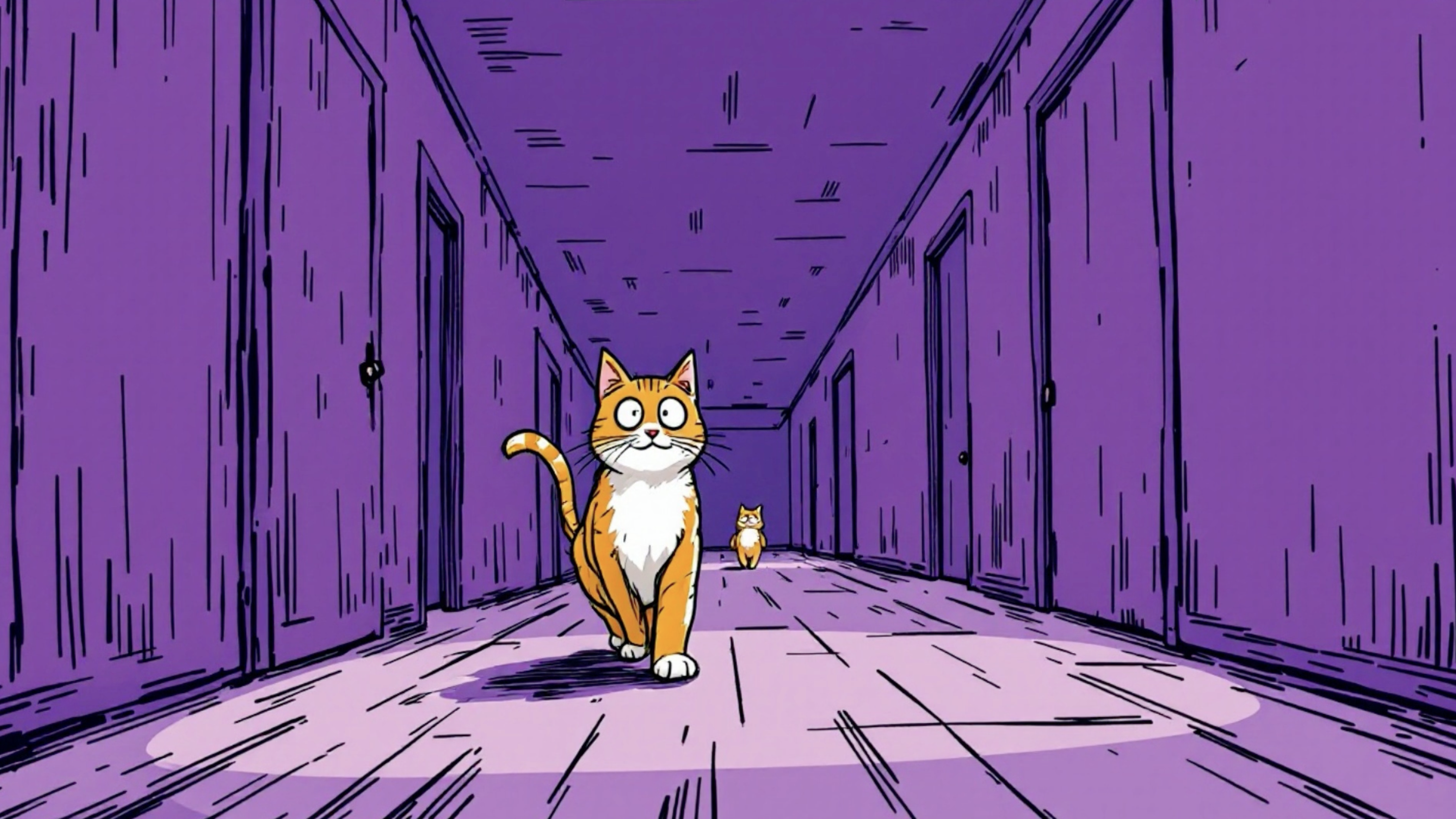
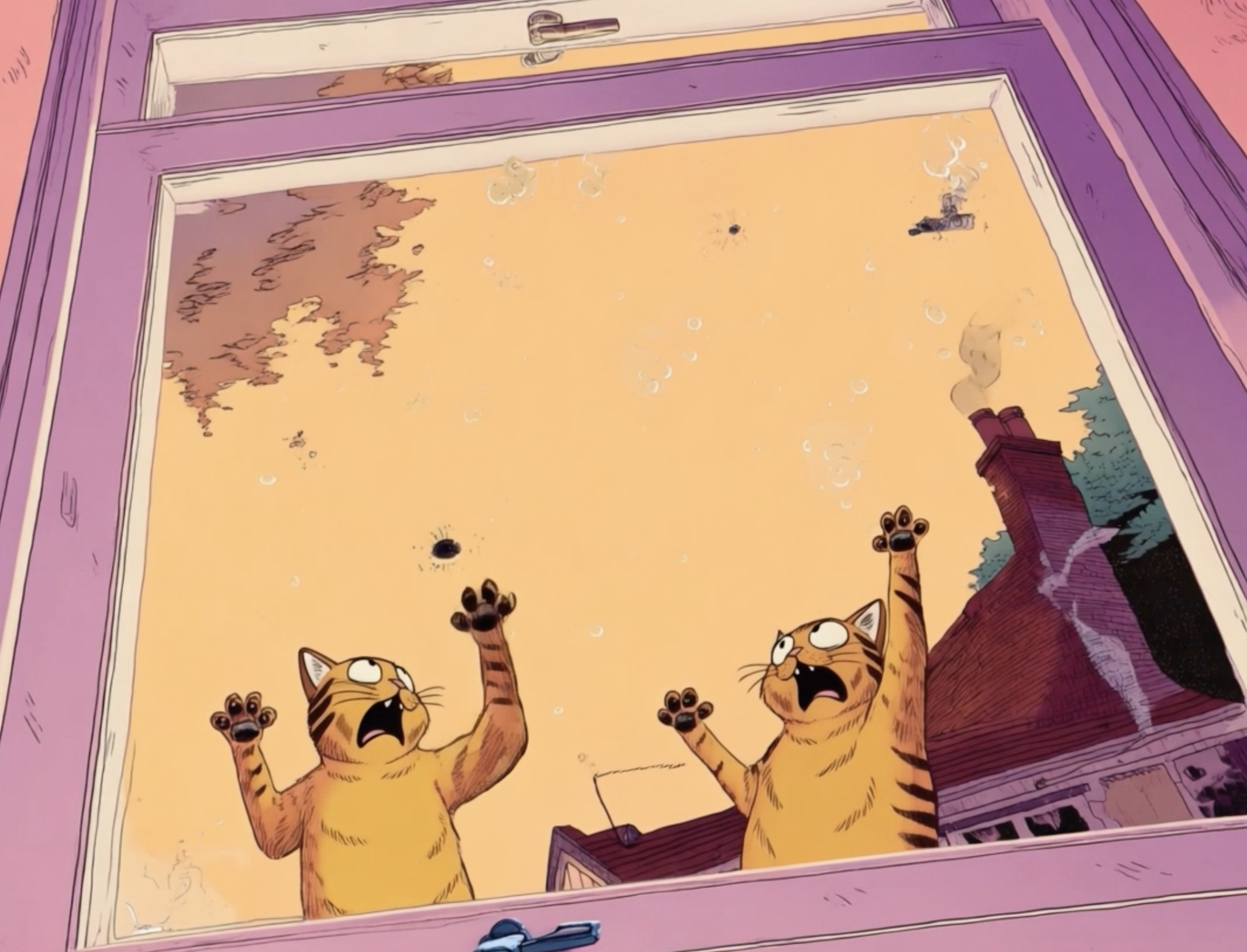
This was a pretty decent job, in my opnion, as to where I started. The big difference I made here versus V2, is that I prompted one scene at a time intead of giving it my full 2 minute script and scene break down. It was time consuing, but as someone who knows how to animate by hand. This was still much, much faster. The frames are not perfect and I see tons of room for improvment. At times, I wanted to drag it straight into my ipad on procreate dreams and fix by hand the things I didnt like. But, I havn’t gotten there quite yet.
One thing I am not LOVING is the fact that Open Montage and Claude turned my cat characters into the very famous GARFIELD drawn by the very famous Jim Davis. I wasn’t trying to do that at all.
Version 2 Video
The reason why my V1 looked so bad and took really long to process was… API keys… I didn’t have the correct API keys installed for animation I had to sign up now for all the API keys I think I might need and tried again, hoping the cursed and scary cat vectors would be eliminated.
Here’s a short list of API keys I downloaded to upgrade the animations a bit.
- FAL_KEY — from fal.ai. This was technically free to get a key, but usage is paid per generation (the FLUX/Kling/Veo image + video gen). This is the one that actually charges you per run (~$0.15–0.50 for a short). I paid a little more than that maybe $2-$3 because I was unahppy with the camera angles and the characters images. I quit after realizing I was struggling too much to have it perfectly match my vision.
- PEXELS_API_KEY — pexels.com/api, free stock footage
- PIXABAY_API_KEY — pixabay.com/api, free stock footage
- UNSPLASH_ACCESS_KEY — unsplash.com/developers, free stock images
- ELEVENLABS_API_KEY - elevenlabs.io — narration TTS
So, now the “look” was an improvement, but not visible animation happening. Really, it felt like a really flat boardomatic, or still storyboard frames put together into a video file. I wanted more movement.
Version 1 Video
The scary vectors!
I really did start this off by watching a 60 second video on Xiaohongshu. It was the most amazing thing I have ever heard of and went to GitHub immediately to get OpenMontage downloaded and set up.
Almost positive I did not even have Python yet…? and from the progress made in V2 -know I did not have any API keys. So I was feeding it an entire script and screen shots of some of my previous cat comix expecting it to look like something from the examples I saw online. After waiting hours of baby sitting Claude and watching code write itself I was excited to potentially see my drawings come to life!
Only to be given back this video! I was shocked and my immedite response was what did I do wrong?!
I did more research and kept trying.
What I learned
This was a really fun experiment for me, and genuinely a great starter project to understand deeper all the interacting parts to make an AI project work. Watching social media videos don’t fully explain that the “magic” behind the AI is much more thoughtful and I felt I participated in a lot of problem solving to get V3 to look the way it does.
AI tech moves so fast- Will I keep using Open Montage? I don’t think I will. There are other processes I have had more success using such as Runway. BUT! I have yet to try “Higgsfield” a new name that has been floating around on social media as a great video generator. That will likely be the next place I will spend some time in learning how to make my new animation and video ideas come to life.
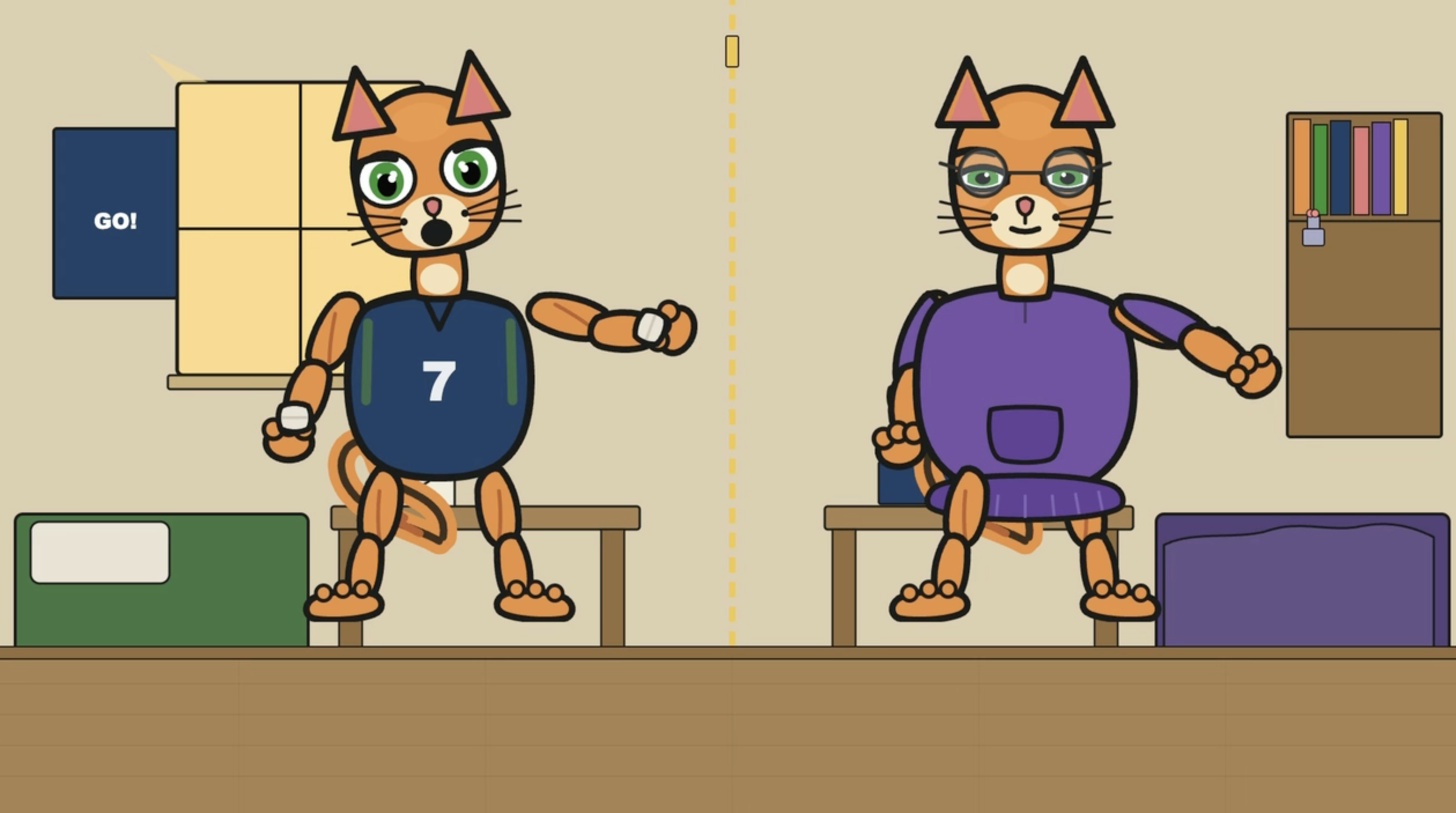 V2 ->
V2 ->
 V3 ->
V3 ->
Written by Jenni Zeller
← Back to blog